Fig 如何靠一支五名工程师的团队和 Expo,保障数百万人的饮食安全
Fig 帮助数百万有饮食限制的人找到安全的食物。以下是这个五人团队如何借助 Expo SDK 和 EAS Update 实现可靠交付与快速迭代。
中文
复制

Fig(Food is Good) 帮有任何饮食禁忌或过敏的人找到真正能吃的食物,避开那些会严重影响健康的反应。
从扫描配料表、发现安全产品,到了解餐厅对特定需求的照顾程度,Fig 让有复杂饮食需求的人吃得更省心、更安全。数百万人(包括 Fig 团队的大多数人!)靠 Fig 做出安全、有把握的饮食选择。
去年我们入围了 Expo App Award 的决选。Expo 团队很欣赏我们 app 的原生手感和流畅功能,这篇博客就来讲这部分。
为什么选 Expo?
Fig 最初是一个标准的 React Native app,后来逐步引入 Expo,以加快开发速度、提升稳定性。
我们只有五名工程师,没多少时间耗在复杂性上。被社区包坑过几次——它们会突然坏掉,而且没人维护——之后我们决定逐步接入 SDK。用下来我们逐渐信任这些库,以后还打算接入更多。去年微软下线 AppCenter 时,我们还把热更新迁到了 Expo 的 EAS 系统,用来推送关键的 JavaScript 补丁。
Expo SDK 对 Fig 的成功至关重要
以下是几个 Expo SDK 包,帮 Fig 用小团队快速做出了性能出色的 app:
expo-image
expo-image 让 Fig 能高效渲染图片和 SVG,使 app 体验对我们社区的用户更友好。React Native 自带的 Image 组件不支持 SVG,所以最初我们用 react-native-svg 满足所有 SVG 渲染需求,尤其是图标。把 SVG 字符串传给 SvgXml,设置 stroke、stroke-width、fill 这些属性非常方便。
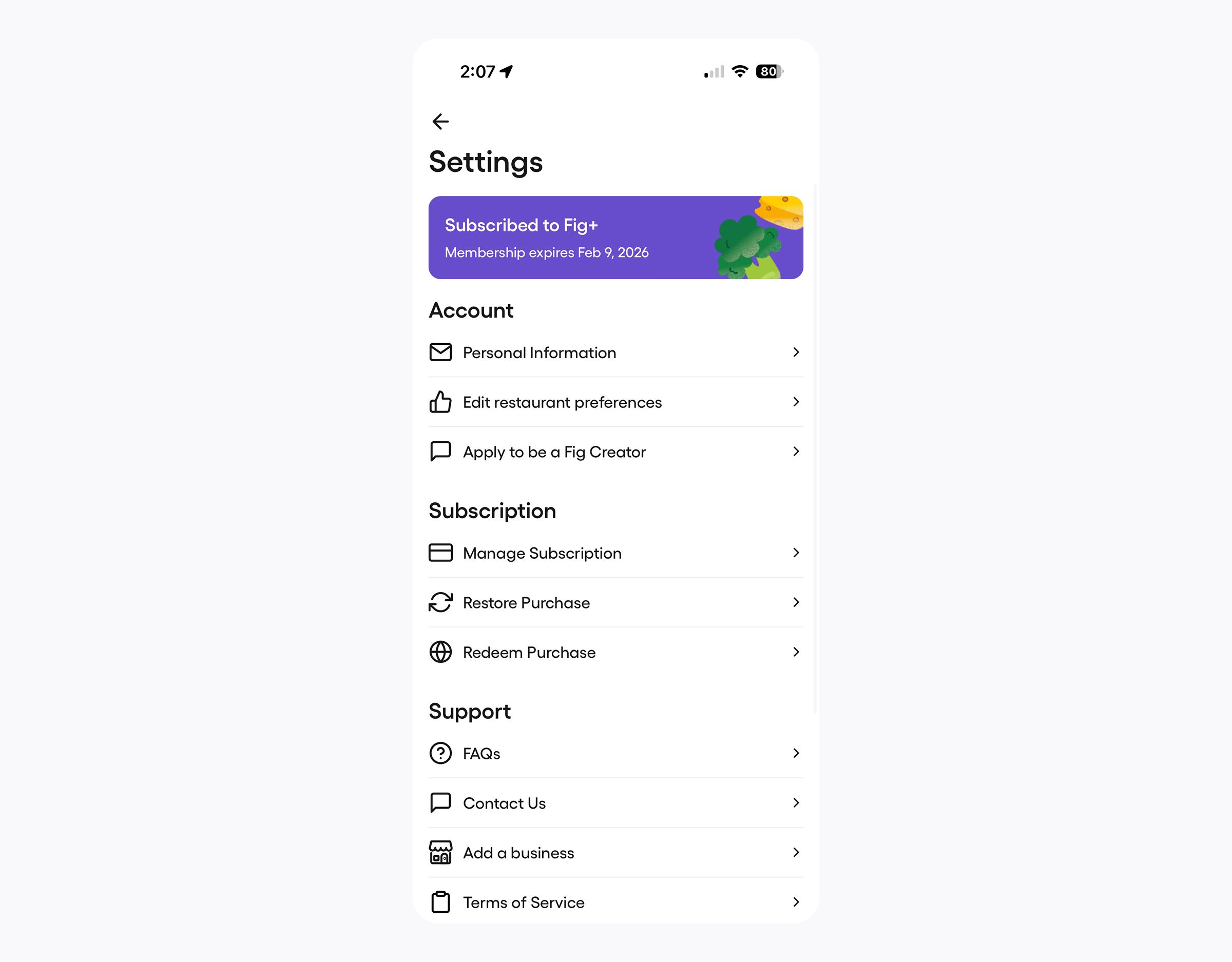
但读完 Software Mansion 的这篇博客后,我们意识到从 SVG 生成组件树是有代价的,对静态图标来说大概也过头了。我们把图标迁到 expo-image,让原生库处理 SVG 渲染,只在需要操作或动画 SVG 内部结构时才用 react-native-svg。
由于 expo-image 对 SVG 的改动能力有限(tintColor 只能设置所有非透明像素的颜色),这意味着当我们需要调整 stroke-width 之类的属性时,得多打包几个 SVG,但我们认为这点性能代价是值得的。
react-native-svg:
// Imports svg as a string
import thumbsUpIcon from '@assets/icons/thumbs-up.svg';
import { iconDefault } from '@utils/colors.util';

const Icon: FunctionComponent<IconProps> = ({
  iconSize,
  color,
  rotation,
  transform,
  height,
  width,
  ...otherProps
}) => {
  const parsedIconSize = !height && !width ? getIconSize(iconSize) : undefined;

  const sizeProps: { height?: NumberProp; width?: NumberProp } = {};
  if (parsedIconSize || height) {
    sizeProps.height = parsedIconSize ?? height;
  }
  if (parsedIconSize || width) {
    sizeProps.width = parsedIconSize ?? width;
  }

  // svg string is passed via `xml` in otherProps
  return (
    <SvgXml
      color={color ?? iconDefault}
      transform={rotation ? [{ rotate: `${rotation}deg` }] : transform}
      {...sizeProps}
      {...otherProps}
    />
  );
};
expo-image:
import { Image } from 'expo-image';
import styled, { css } from 'styled-components/native';

// Icons are `require`d from the assets folder, like other static assets
export const iconAssets = {
  thumbsUp: require('@assets/icons/thumbs-up.svg'),
  ...
} as const;

export const StyledImage = styled(Image)<{
  width?: number;
  height?: number;
  rotation?: number;
}>`
  ${({ width }) =>
    width !== undefined &&
    css`
      width: ${width}px;
    `}
  ${({ height }) =>
    height !== undefined &&
    css`
      height: ${height}px;
    `}
  ${({ rotation }) =>
    !!rotation &&
    css`
      transform: rotate(${rotation}deg);
    `}
`;

const Icon: FunctionComponent<IconProps> = ({
  iconSource: iconName,
  iconSize,
  height,
  width,
  rotation,
  color,
  ...otherProps
}) => {
  const parsedIconSize = !height && !width ? getIconSize(iconSize) : undefined;

  // Icons are referenced by iconAssets key, native image libraries handle the rendering
  return (
    <StyledImage
      tintColor={color}
      source={typeof iconName === 'object' ? iconName : iconAssets[iconName]}
      width={parsedIconSize ?? width}
      height={parsedIconSize ?? height}
      rotation={rotation}
      contentFit="contain"
      {...otherProps}
    />
  );
};
expo-location
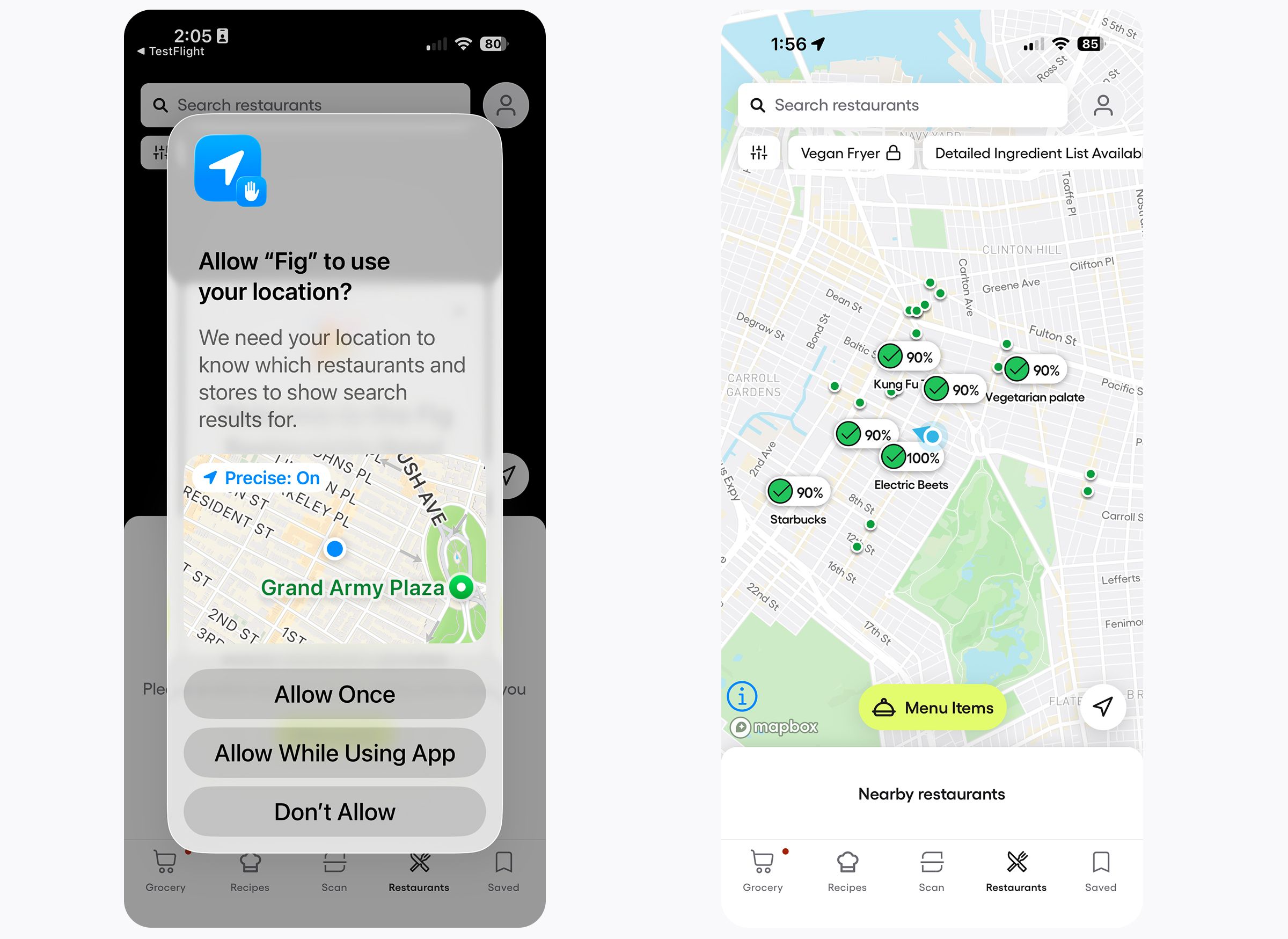
Fig 用 expo-location 来为餐厅搜索功能获取位置数据。我们从 @react-native-community/geolocation 迁移过来,是为了对位置数据有更精细的控制,同时换用一个维护更活跃的库。
我们同时获取粗略坐标和精确坐标。位置数据只要足够新,就直接用缓存。这样地图视图和餐厅搜索能快速填充附近的餐厅。位置存在一个 context 里,供整个 app 使用,尤其是我们新的餐厅搜索功能。
import * as Location from 'expo-location';

// Max age of a cached location in milliseconds
const locationMaximumAge = 3 * 60 * 1000; // 3 minutes
const locationRequiredAccuracy = 11; // meters, just above the LocationAccuracy.High
const approximateLocationRequiredAccuracy = 3001; // meters, just above the LocationAccuracy.Lowest

export const LocationProvider: FunctionComponent<
  PropsWithChildren<LocationProviderProps>
> = ({ children }) => {

  const [coordinates, setCoordinates] = useState<Coordinates>();
  const [approximateCoordinates, setApproximateCoordinates] =
    useState<Coordinates>();

  // You can alternatively use expo-location methods to request permission
  const {
    permissionStatus: locationPermissionStatus,
    triggerRequestPermission: triggerRequestLocationPermission,
  } = usePermission('location');

  const fetchCoordinates = useCallback(
    async (
      setNewCoords: (coords: Coordinates) => void,
      requiredAccuracy: number,
      locationAccuracy: Location.LocationAccuracy,
      maxAge?: number,
    ) => {
      try {
        // Try to use a cached location first
        let location = await Location.getLastKnownPositionAsync({
          requiredAccuracy,
          maxAge,
        });
        if (!location) {
          // If no cached location, get the current position, which may take some time
          location = await Location.getCurrentPositionAsync({
            accuracy: locationAccuracy,
          });
        }

        const newCoordinates = location?.coords;
        setNewCoords(newCoordinates);
        return newCoordinates;
      } catch (e) {
        logFigError('Error getting location', {
          error: e,
        });
      }
    },
    [mockLatitude, mockLongitude],
  );

  const updateLocation = useCallback(async () => {
    const [, newCoordinates] = await Promise.all([
      // Fetch approximate coordinates for faster loading
      fetchCoordinates(
        setApproximateCoordinates,
        approximateLocationRequiredAccuracy,
        Location.LocationAccuracy.Lowest,
      ),
      // Fetch more accurate coordinates for better accuracy
      fetchCoordinates(
        setCoordinates,
        locationRequiredAccuracy,
        Location.LocationAccuracy.High,
        locationMaximumAge,
      ),
    ]);
    return newCoordinates;
  }, [fetchCoordinates]);

  useEffectOnce(locationPermissionStatus === 'granted', () => {
    updateLocation();
  });

  return (
    <LocationContext.Provider value={{ coordinates, approximateCoordinates, updateLocation }}>
      {children}
    </LocationContext.Provider>
  );
};
expo-store-review
Fig 被社区包坑过几次:平台更新废弃某些 API 后,这些包就挂了。
其中一个例子是 iOS 18 废弃 SKStoreReviewController 之后,react-native-in-app-review 就失效了。expo-store-review 让 Fig 能迅速换用新的库来提示用户评分和反馈,并且支持我们需要覆盖的所有操作系统版本。
接入这个界面很简单,而且和许多社区库不同,即使底层 API 变了,Expo 的库依然在持续维护。
import * as StoreReview from 'expo-store-review';

if (await StoreReview.hasAction()) {
  StoreReview.requestReview();
}
用 Expo 的 OTA Updates 推送关键补丁
2025 年 3 月 App Center 停掉 CodePush 之后,Fig 采用了 Expo EAS Updates,继续即时交付关键修复和实验性体验测试。这让我们对发布代码有了信心,也能快速处理流入线上的 bug。生产构建我们仍然用 Bitrise,但我们很认可 Expo 的 OTA 更新系统——需要时,可以放心地把关键更新推送给用户。
Fig 与 Expo 的未来
Fig 会继续接入更多 Expo 模块,以减轻维护负担、简化构建复杂度,并在平台扩展时解锁新的原生能力。React Native 版本升级曾经是件让人头疼的事,我们总是拖到出问题才去处理。
随着我们迁移到更多 Expo 包,升级变得更简单、更可靠,让我们能够始终停留在 React Native 的受支持版本上,而不必耗费太多开发周期。